By Thworks Marketting Team
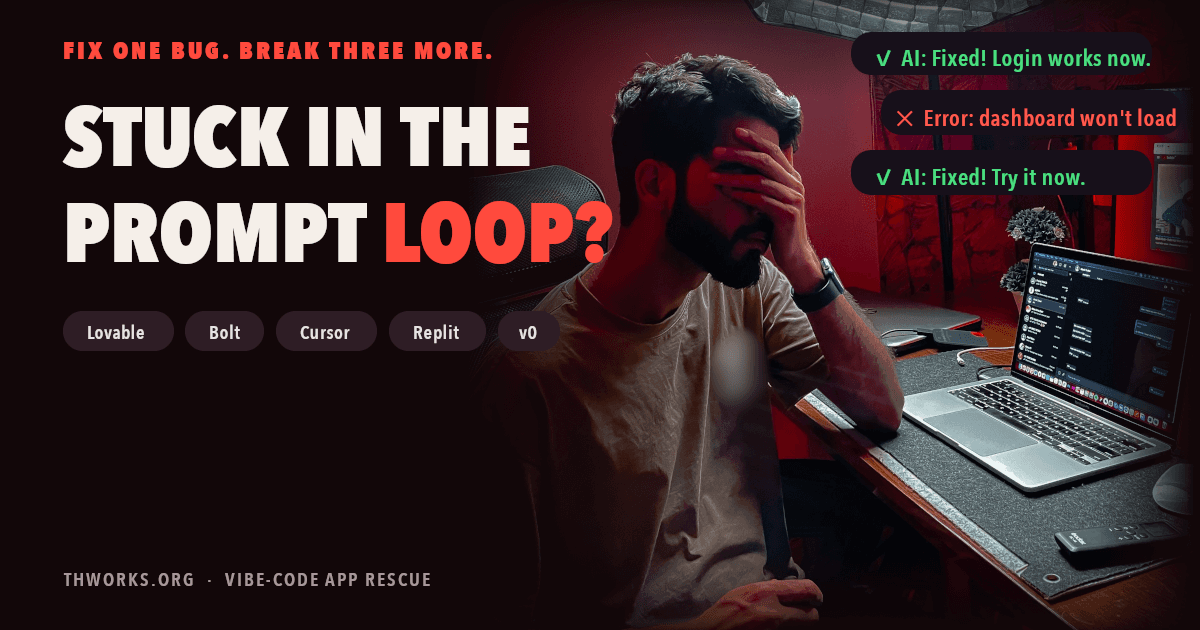
You ask the AI to fix a bug. It says it's fixed. You test it, and now the login page is broken too.
So you ask it to fix the login. That works, but the dashboard stops loading. An hour later, the first bug is back, your credits are lower, and the app is worse than when you started.
If you built your app with Lovable, Bolt, Replit, Cursor or v0, you have probably lived this. It's called the prompt loop. This article explains why it happens, what you can try on your own, and when it's time to stop prompting.
Why the loop happens
The AI can't see your whole app at once. It works on the part you point at, so when it changes one file, it doesn't notice the three other files that depend on it.
Three things make it worse over time:
- Failed fixes don't disappear. Each attempt leaves code behind. After a few rounds, the AI is no longer fixing your app. It's fixing your app plus its own half-finished patches.
- The AI reports success based on what it changed, not on what works. It edited the code you described, so it tells you the bug is fixed, even when the app still fails.
- You can't read the code to check. That's not a criticism. You used these tools so you wouldn't have to. But it means you can only describe symptoms, and symptoms often point to the wrong place.
It also costs you. Most of these tools charge per prompt or per token, and failed fixes cost the same as working ones. The Globe and Mail reported that credits can run out quickly when you direct the AI to fix errors you don't understand.
Signs you're in the loop
- You've asked for the same fix three or more times.
- The AI says "fixed", but the app still fails the same way.
- A feature that worked last week broke after an unrelated change.
- You're scared to touch the code in case something else breaks.
- You can't explain the problem clearly, even to the AI.
Two or more ticked means you're in it.
What to try before you call anyone
Many loops can be broken without help. Try these in order.
- Stop prompting. Every extra attempt adds more broken code. Pause first.
- Save a copy. Export to GitHub or download the project, so nothing else can be lost.
- Go back to the last version that worked. Most builders keep a version history. Revert to the point before things broke.
- Describe the problem fresh. Start a new chat. Say what you did, what you expected, and what happened. Don't mention earlier fix attempts.
- Ask for one small change at a time. Never "fix login and redesign the dashboard" in one prompt.
If the app works again after step 3, you've escaped. If the same error returns no matter what, the problem is deeper than prompting can reach.
When to stop prompting
Some problems are not prompt problems. Get an engineer to look when:
- Real users are affected. Logins fail, payments break, or data goes missing.
- The same error survives a revert. That usually means the structure is broken, not one file.
- The app slows down or crashes with more users. That's an infrastructure problem the AI can't see.
- You're unsure what data is exposed. Missing database access rules and exposed API keys are common in AI-built apps, and they don't show up as errors.
- The credits you're spending cost more than a fix would.
The good news: most apps in the loop don't need a rebuild. The part that works can usually be kept, and the broken part fixed.
A real example
One founder came to us with a paid SaaS built on Lovable, a CRM for Shopify stores. It worked well for him and his friends. The moment paying users arrived, it fell over.
More prompts weren't going to fix it. The app needed rate limiting, caching, asset compression and proper payment handling. We shipped the critical fixes within 24 hours, without rebuilding the app.
Read the full walk-through (anonymous at the client's request).
Stuck right now?
Book a 15-minute rescue audit. Show us the app and where it hurts. We sign an NDA before you share any code, and you get a plain-English report on what's broken and what it takes to fix.