

Workflow orchestration
Workflow automation and integrations
Connecting the tools you already run, syncing data between them, and orchestrating the multi-step work in between — no-code where that is the clearest answer, custom code where it is not.
Typically built with
- n8n / Make (Integromat)
- Zapier
- REST APIs
- Webhooks
- Python automation
Scope
What this covers.
Workflow orchestration
The multi-step routines that keep a business moving, like routing a new lead or chasing an approval, set to run on their own instead of by hand.
Custom API integrations
The wiring that lets tools you already use pass data to each other — your CRM, billing, chat and internal systems — instead of someone retyping it between them.
Code beyond no-code
Custom code for the jobs a drag-and-drop tool cannot reach: the logic, the volume, or the one edge case that needs building rather than configuring.
Ops & data sync
Keeping the same record true in every system at once, built so a failed step retries cleanly rather than leaving two systems disagreeing.
When a step fails
Automation is easy to build. Trusting it at 2am is not.
Any tool can move a record from one system to another on a good day. The work is what happens on a bad one — the retry, the dead-letter queue, the alert that reaches a person, and the log that says which of four systems dropped it.
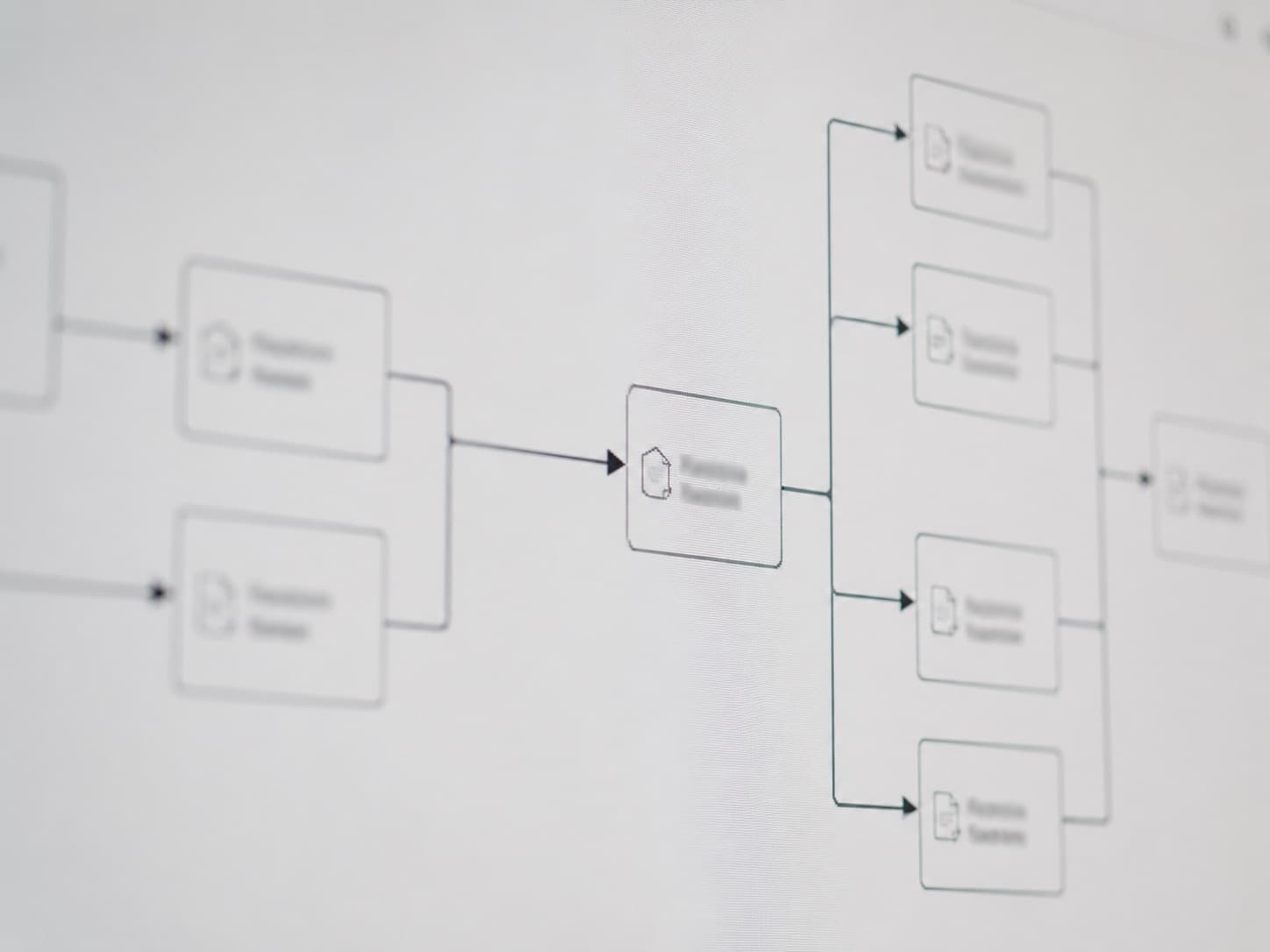
workflow · sample
Every flow ships with retries, structured logging and a failure alert.
Built here
We wire this for clients, and for ourselves.
Two of the products we sell are ones we built and run ourselves. Both are several systems made to run as one, which is the whole job on this page.
Multi-system orchestration
OutreachKits
Pulls prospects from Google Maps and YouTube, audits each one’s website, and hands an AI agent the phone — four systems moving as one flow from a single dashboard.
LLM pipeline
IdeaValidator
Takes a startup idea in plain language and runs it end to end — five weighted dimensions, a 0–100 result and a written breakdown — as one automated pass rather than a person working through steps.
How the work runs
The order things happen in.
We start from the manual process, map every handoff, then automate the highest-leverage steps first — building with retries, logging, and alerts so nothing fails silently.

Audit the existing process: map every manual step and handoff
Pick the right tool: no-code for speed and clarity, custom code where logic or scale demands it
Build for reliability: retries, structured logging, and failure alerts on every flow
Hand over runbooks so your team can operate and extend the automation
How it gets built
Mapped before it is wired.
Every manual step and handoff gets written down first. The automation is the last part, and it is the short part.


Before you ask
Questions we get.
Do you use no-code or write custom code?
Both — no-code (n8n / Make / Zapier) for speed and clarity, and custom Python where the logic, scale, or cost demands it.
Can you integrate with our existing CRM and tools?
Yes — anything with a REST API or webhook. We have wired CRMs, payment systems, messaging platforms, and internal databases together.
What happens when an automation fails?
Every flow ships with retries, error alerts, and logging, so failures surface immediately instead of silently dropping work.
Is it worth automating?
Not always. If a task runs once a month in two minutes, or the process is still changing every week, automating it costs more than it saves and we will say so. Automation earns its place on the work that is repetitive, high-volume, or expensive to get wrong.
Next to this
This work is usually not on its own.

AI & Automation
AI Agents, RAG & Data Systems
Agents and retrieval over your own documents, built to run unattended — so an answer traces back to where it came from, with the monitoring and fallbacks that implies.

Product Engineering
Product Engineering
Complete products front to back — web and mobile, from a first version real users can pay for to the architecture it grows into.