By Selvaraj, Founder & CEO, ThWorks
Most logistics companies don't need a new system. They need the retyping taken out of the one they already have.
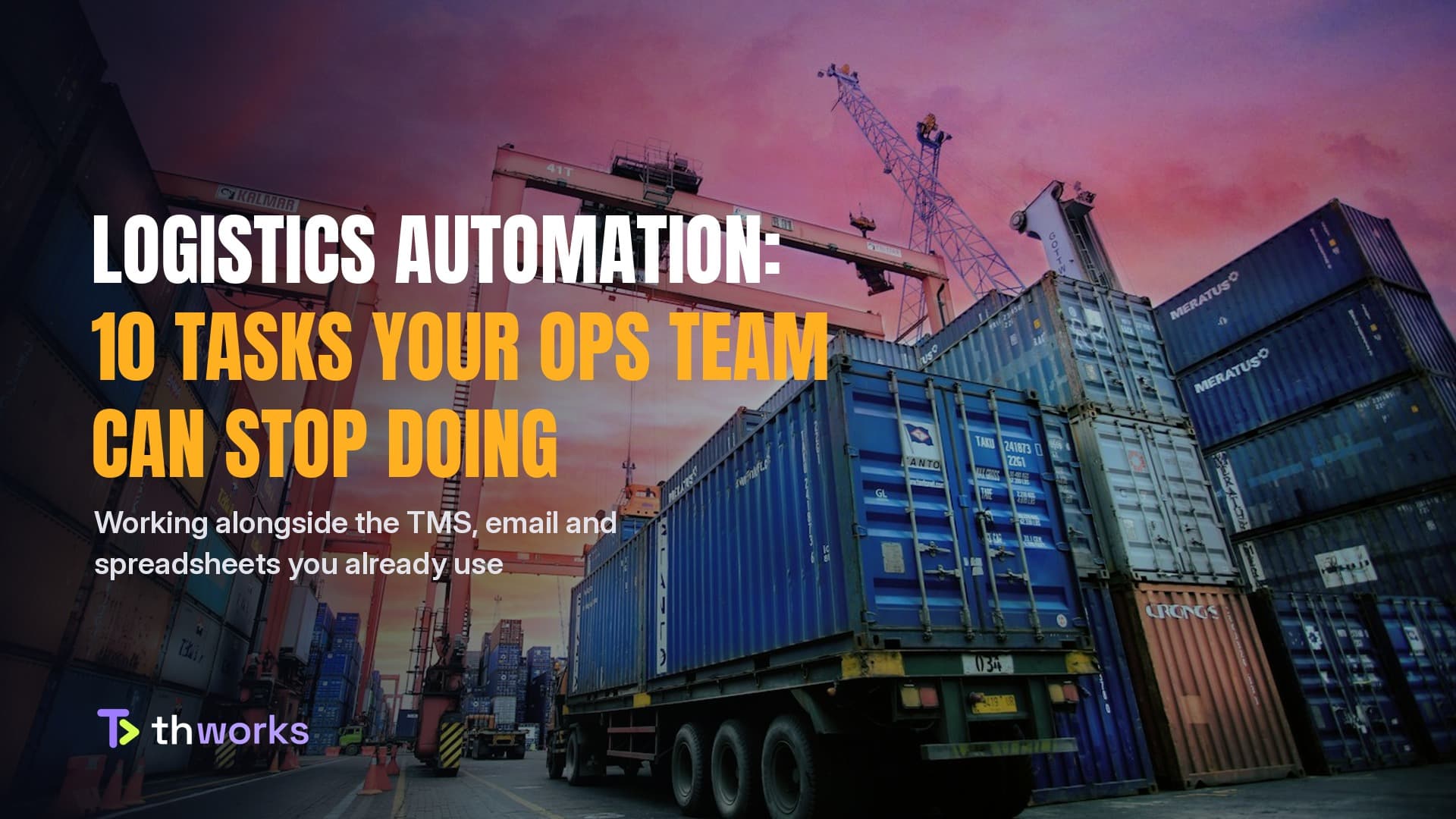
Ships, trucks and planes move fast. The work behind them often doesn't. In a typical ops team, a large share of the day goes into tasks that are repeated rather than difficult: copying a bill of lading into the TMS, answering "where's my shipment?" for the tenth time, checking a delivery receipt against an invoice line by line.
That repeated work is what software is good at. It does not need a rip-and-replace project. In most cases it sits on top of what you already use: your TMS, your shared inbox, your spreadsheets.
Below are ten tasks we see as ready to automate today, grouped by where the time goes. For each one: what happens now, why it costs more than it looks, and what automation actually does.
1. Reading shipping documents
What happens now: Bills of lading, commercial invoices, packing lists and delivery receipts arrive as PDFs, scans and email attachments. Someone opens each one and types the shipper, consignee, container numbers, weights and charges into another system.
Why it matters: Paper and PDF documents are not disappearing soon. In the FIT Alliance's 2026 global survey on electronic bills of lading, 51.1% of respondents used eBLs in some form, and only 11.2% used them exclusively (ICC, October 2026). Most of the industry still handles paper or mixed documents at least part of the time.
What automation does: AI document reading extracts the fields from each document and enters them into your system. Your team reviews the result instead of typing it. The job changes from data entry to checking.
2. Matching documents
What happens now: Before an invoice goes out or a carrier gets paid, someone checks that the delivery receipt, the invoice and the original order agree.
Why it matters: Done by hand, this is slow and easy to get wrong. A missed mismatch turns into a dispute, a write-off or a delayed payment weeks later.
What automation does: Software compares the documents field by field and only surfaces the exceptions: a missing signature, a quantity that doesn't match, a charge that wasn't agreed. People spend their time on the few documents that need a decision.

3. "Where's my shipment?" replies
What happens now: Customers email or call to ask for status. Someone looks it up in one or more systems and writes back.
Why it matters: The answer usually already exists in a carrier update or tracking event. The cost is the lookup and the reply, repeated across every customer, every day.
What automation does: Status updates go out automatically when something changes, before the customer asks. When they do ask, an assistant answers from the same data and hands anything unusual to a person.
4. Quote requests
What happens now: A rate request arrives by email, often missing details. Someone reads it, checks rate sheets, asks follow-up questions and builds the quote.
Why it matters: Speed matters in quoting. A customer comparing several forwarders will often move with whoever replies first and clearly.
What automation does: The request is read automatically, the key details are pulled out, missing information is asked for, and a draft quote is prepared from your own rates for a person to approve and send.

5. Booking entry
What happens now: New bookings arrive through email, forms and customer portals. Someone re-enters each one into the TMS.
Why it matters: Every re-entry is a chance for a typo in an address, a date or a reference number, and those errors surface later as missed pickups or failed deliveries.
What automation does: Bookings are captured from the original email or form and created in your system directly, with anything incomplete flagged for review.
6. Delay and exception alerts
What happens now: Delays are often noticed when a customer complains, or when someone happens to check.
Why it matters: The earlier a delay is known, the more options there are: rebook, reroute, or at least warn the customer before they find out on their own.
What automation does: Shipments are watched continuously. Late pickups, missed connections and customs holds trigger an alert to the right person, with the shipment details attached.
7. Invoicing
What happens now: Once a delivery is confirmed, someone gathers the charges and supporting documents and builds the invoice.
Why it matters: Slow invoicing means slow cash. Missing a charge or an attachment means a second round with the customer.
What automation does: The invoice is prepared as soon as proof of delivery is in, with the agreed charges applied and the right documents attached, ready for a final check.
8. Carrier bill checks
What happens now: Carrier invoices are paid after a quick look, or checked line by line when someone has the time.
Why it matters: Small differences from agreed rates are easy to miss individually and add up over a year.
What automation does: Each carrier invoice is compared with the agreed rates and the shipment record. Overcharges and unexpected surcharges are flagged before payment.

9. Route planning
What happens now: Dispatchers plan routes and loads from experience, a map and a spreadsheet.
Why it matters: Good planners are valuable, but planning many stops with time windows and vehicle limits by hand takes hours, and the result is hard to adjust when something changes.
What automation does: Software proposes routes and loads based on stops, delivery windows and vehicle capacity. The planner reviews and adjusts instead of starting from a blank sheet.
10. Daily ops summary
What happens now: Managers piece together the day from several systems, inboxes and calls.
Why it matters: The information is there, but it's scattered. What needs attention can get lost behind what doesn't.
What automation does: One short message each morning: what's late, what's due today, what needs a decision. It's sent where the team already works, such as email or chat.
Where to start
You don't need to automate all ten. The best first project is usually the task that quietly takes the most hours each week, has a clear before-and-after, and doesn't require changing how customers work with you.
Two things make these projects succeed:
Work with existing systems. Automation that sits on top of your TMS, inbox and spreadsheets can go live without a migration. Replacing core systems is a different, much bigger decision.
Keep people on the decisions. The aim is to remove typing, searching and checking, not judgement. Exceptions, approvals and customer relationships stay with your team.
The question isn't whether logistics will automate. The question is: how many hours is your team spending this week on work a system could do for them?
Talk to us at thworks.org.
ThWorks is a software engineering and AI automation studio. We build automation and custom software that work alongside the systems businesses already run on, working closely with each client's team, remotely.